

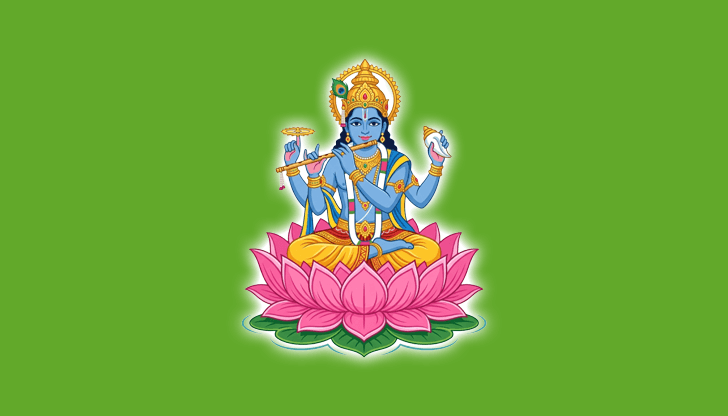
Here are 11 Satyanarayan Puja wallpapers that you can use as the background on your computer, laptop or phone. Each one is a widescreen picture made for the puja, showing Lord Satyanarayan, a benevolent form of Lord Vishnu.
The wallpapers are 1920 by 1080 pixels (Full HD), which fits most desktop and laptop screens and many televisions without stretching. On a phone, which has a tall screen, the picture will be cropped at the sides, so you may need to move or zoom it to keep the main part in view.
How to set a wallpaper
- Tap or click the wallpaper you like to open the full-size version, then save it.
- On a Windows computer, right-click the saved picture and choose the option to set it as the desktop background, or open the personalisation settings and select it.
- On a Mac, open System Settings, go to Wallpaper and add the saved picture.
- On a phone, open the picture in your gallery or photos app, choose the option to use it as wallpaper, and adjust the position before you confirm.
You can also share these pictures with family members before the puja, along with the Satyanarayan aarti lyrics, so that everyone can join in the singing.
यहां सत्यनारायण पूजा के 11 वॉलपेपर दिए गए हैं, जिन्हें आप अपने कंप्यूटर, लैपटॉप या फोन की पृष्ठभूमि के रूप में लगा सकते हैं। हर वॉलपेपर पूजा के लिए बनाया गया एक चौड़ा चित्र है, जिसमें भगवान विष्णु के कृपालु रूप भगवान सत्यनारायण दिखाई देते हैं।
ये वॉलपेपर 1920 x 1080 पिक्सल (फुल एचडी) के हैं, जो अधिकतर डेस्कटॉप, लैपटॉप और कई टीवी स्क्रीन पर बिना खिंचे ठीक बैठते हैं। फोन की स्क्रीन लंबी होती है, इसलिए वहां चित्र के दोनों किनारे कट जाएंगे। मुख्य हिस्सा दिखाने के लिए आपको चित्र को थोड़ा खिसकाना या ज़ूम करना पड़ सकता है।
वॉलपेपर कैसे लगाएं
- जो वॉलपेपर पसंद हो, उस पर टैप या क्लिक करके पूरा आकार खोलें और उसे सेव करें।
- विंडोज़ कंप्यूटर पर सेव किए गए चित्र पर राइट-क्लिक करें और उसे डेस्कटॉप बैकग्राउंड बनाने का विकल्प चुनें, या पर्सनलाइज़ेशन सेटिंग खोलकर उसे चुनें।
- मैक पर सिस्टम सेटिंग्स खोलें, वॉलपेपर में जाएं और सेव किया हुआ चित्र जोड़ें।
- फोन में गैलरी या फोटो ऐप में चित्र खोलें, वॉलपेपर के रूप में उपयोग करने का विकल्प चुनें और पुष्टि करने से पहले उसकी स्थिति ठीक कर लें।
पूजा से पहले आप ये चित्र परिवार के सदस्यों को सत्यनारायण आरती के बोल के साथ भेज सकते हैं, ताकि सब लोग आरती गाने में साथ दे सकें।
Wallpaper 1वॉलपेपर 1
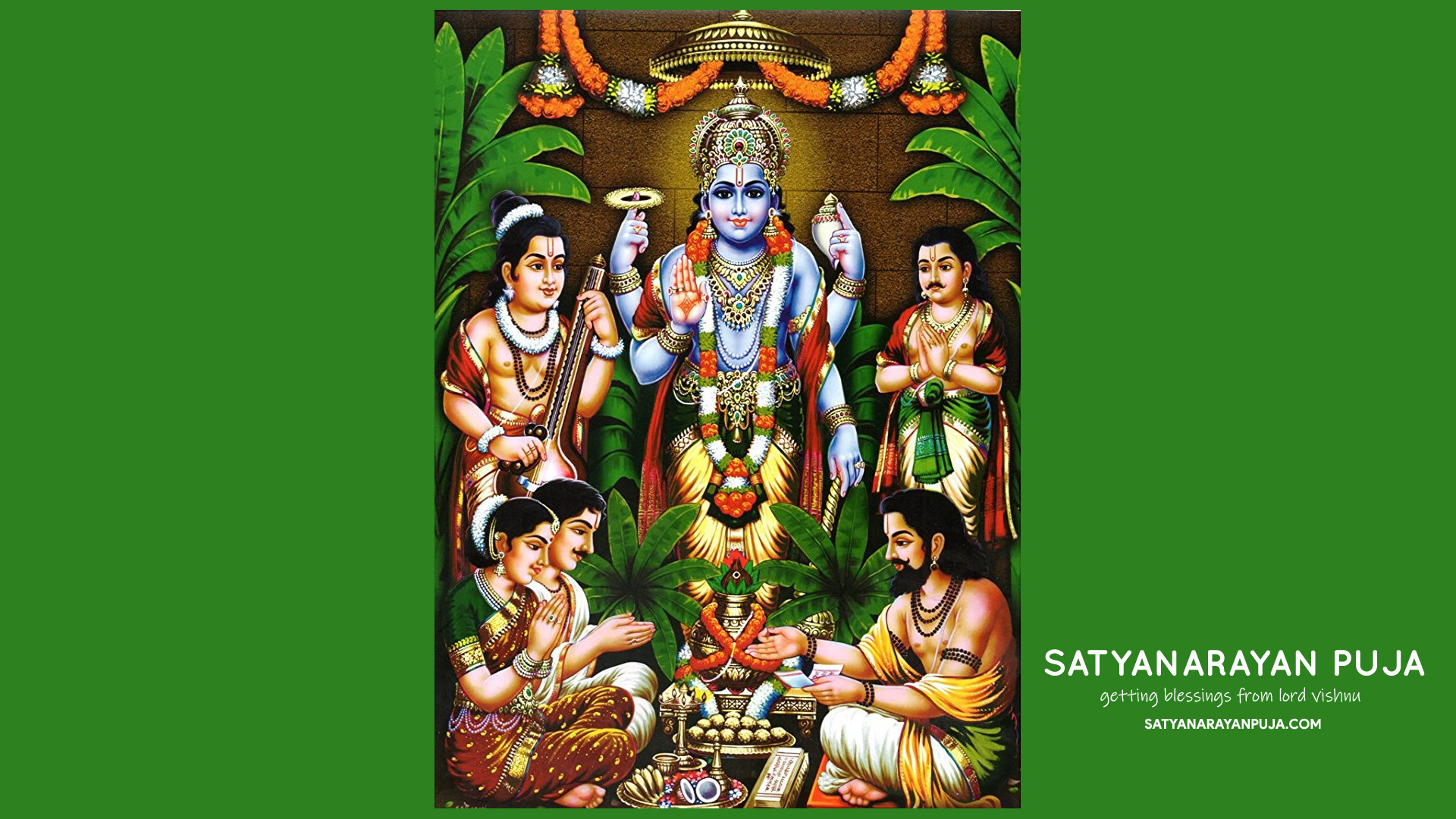
Wallpaper 2वॉलपेपर 2
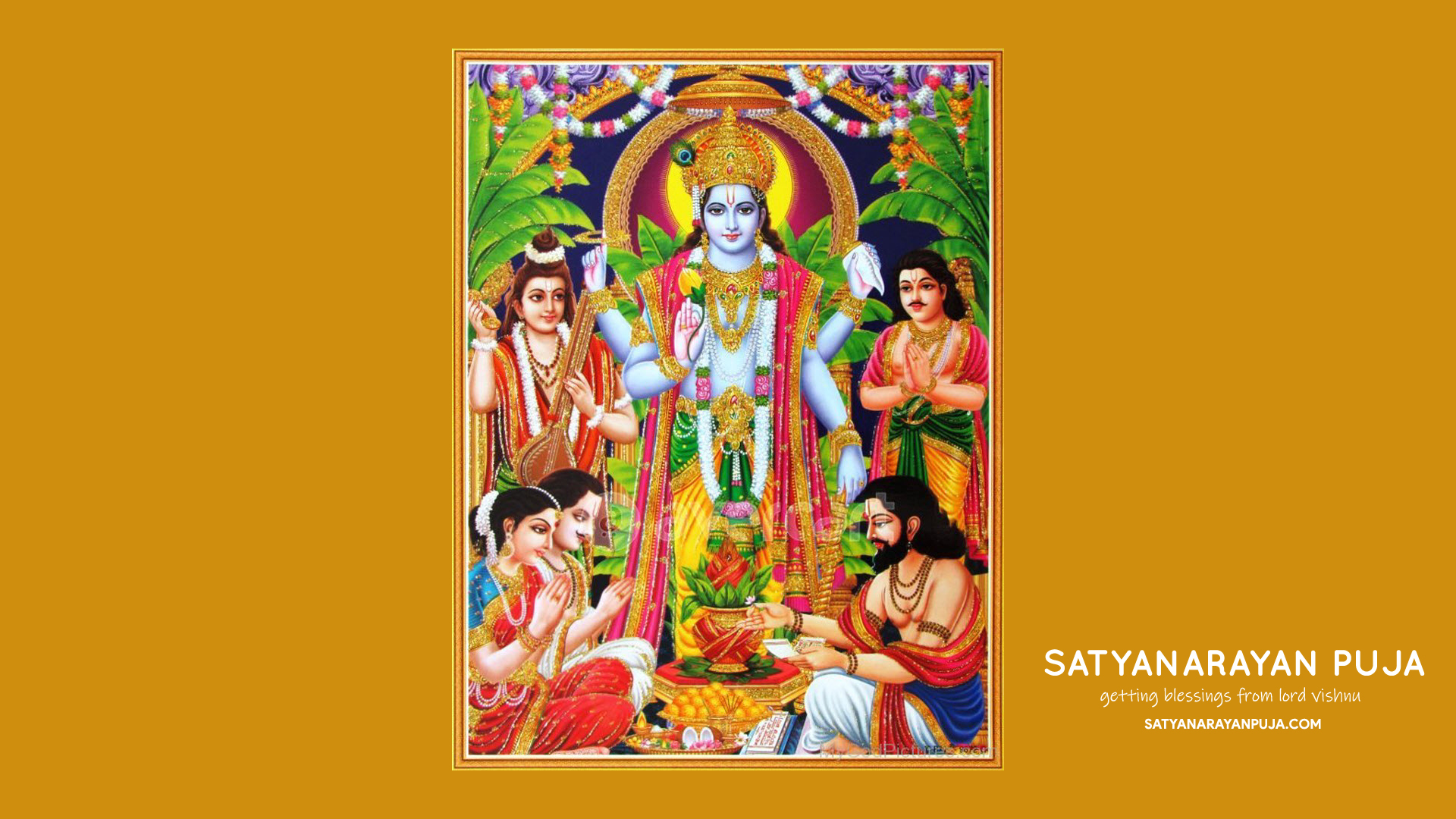
Wallpaper 3वॉलपेपर 3
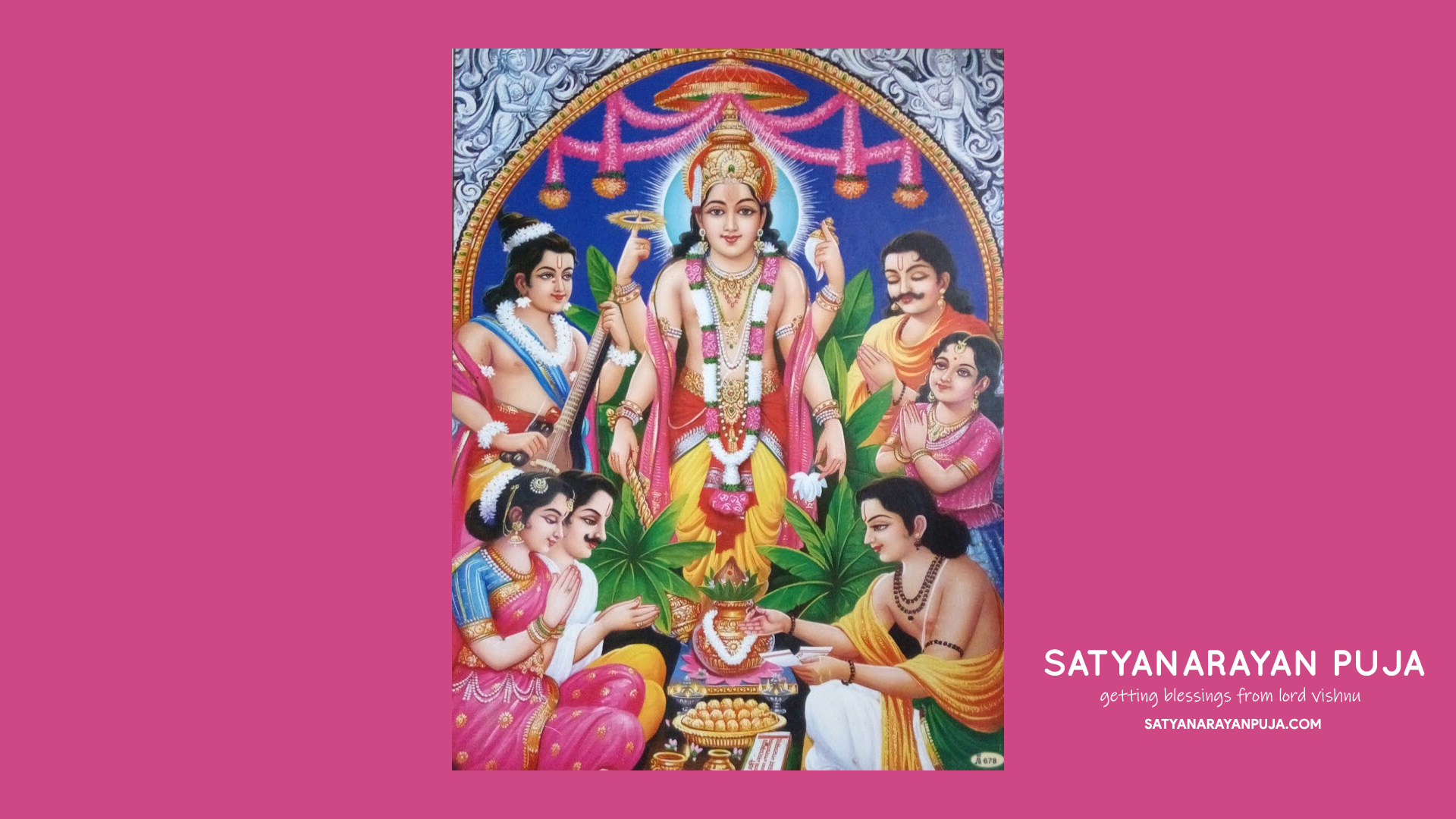
Wallpaper 4वॉलपेपर 4
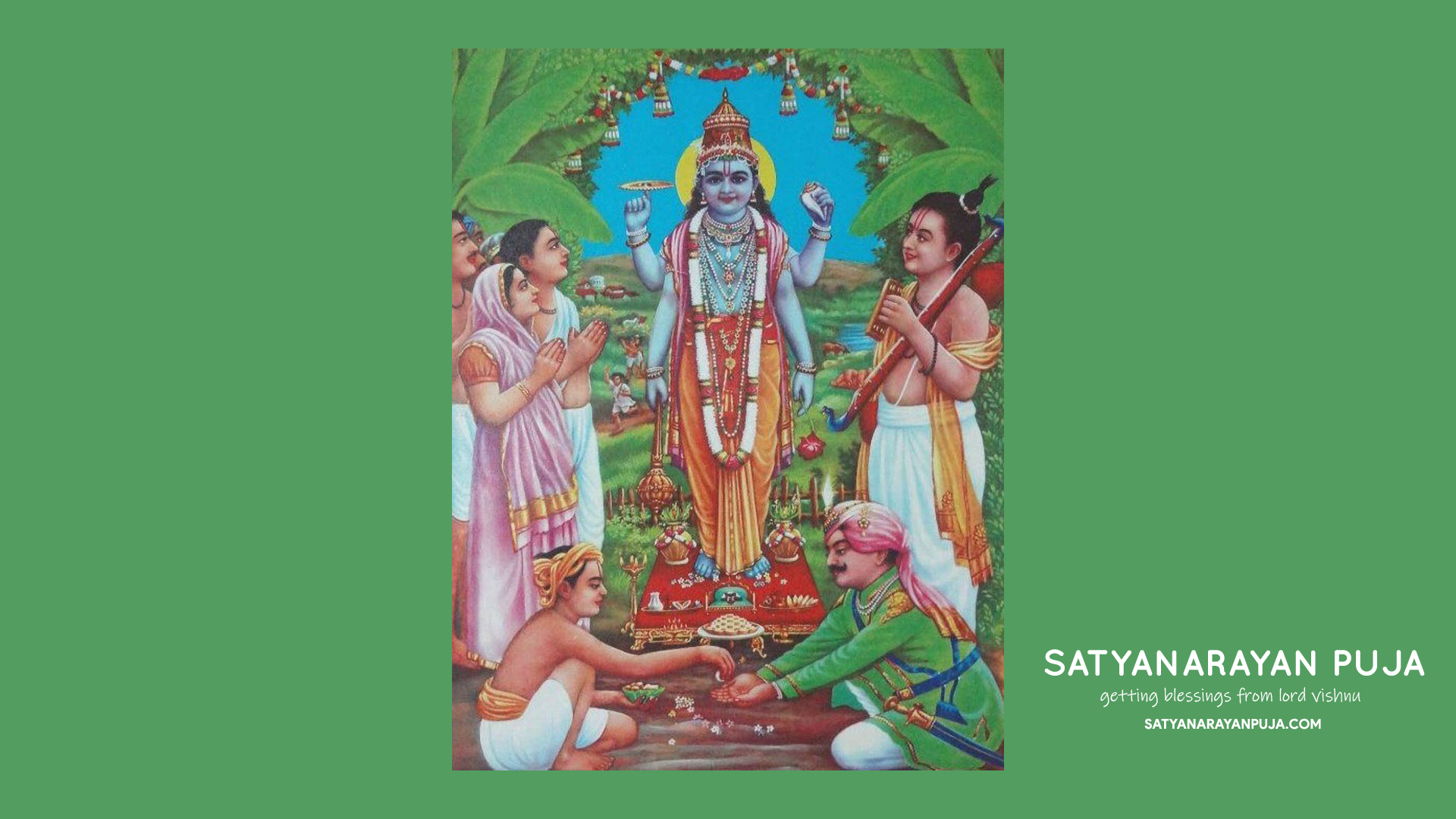
Wallpaper 5वॉलपेपर 5
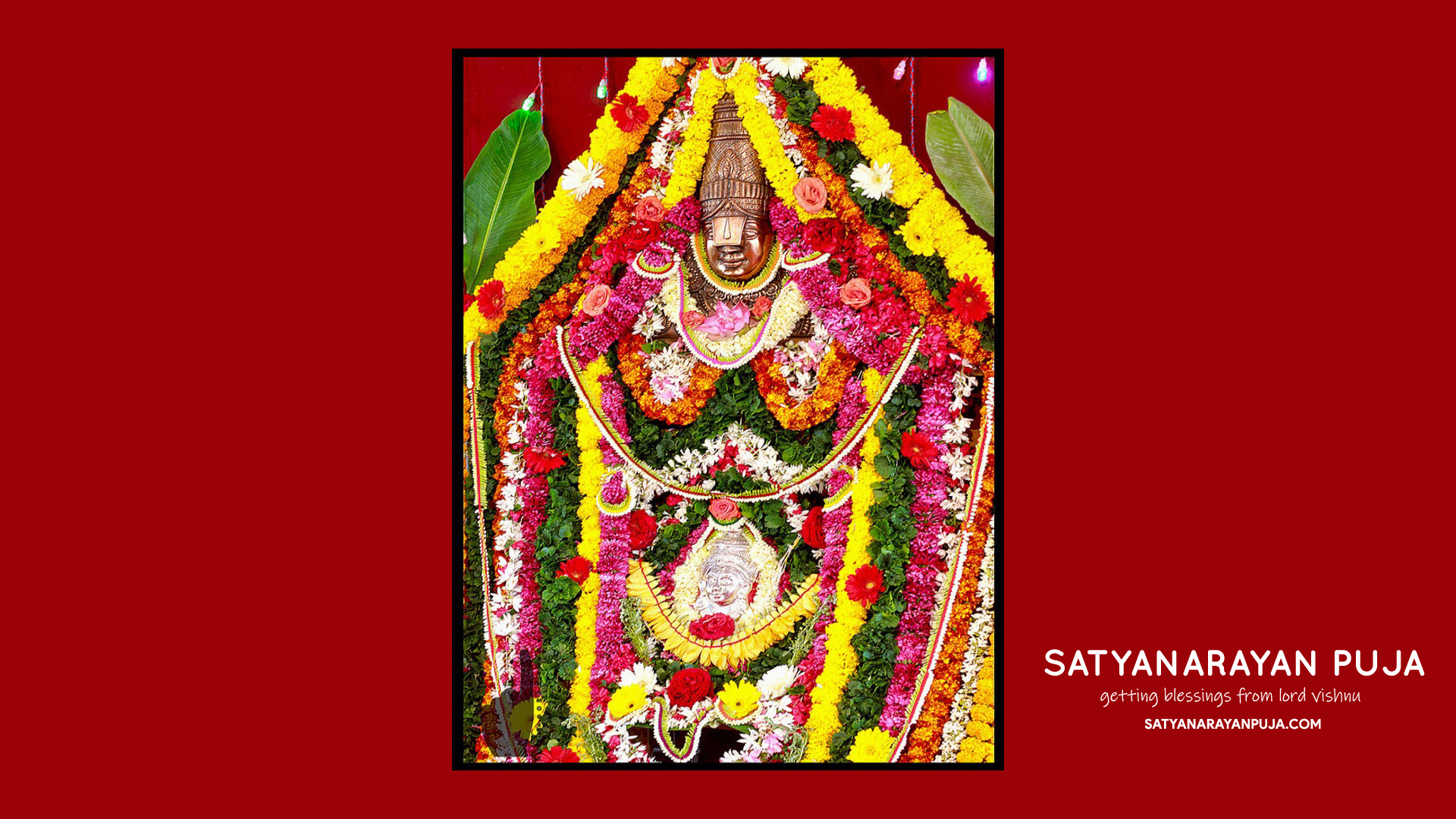
Wallpaper 6वॉलपेपर 6
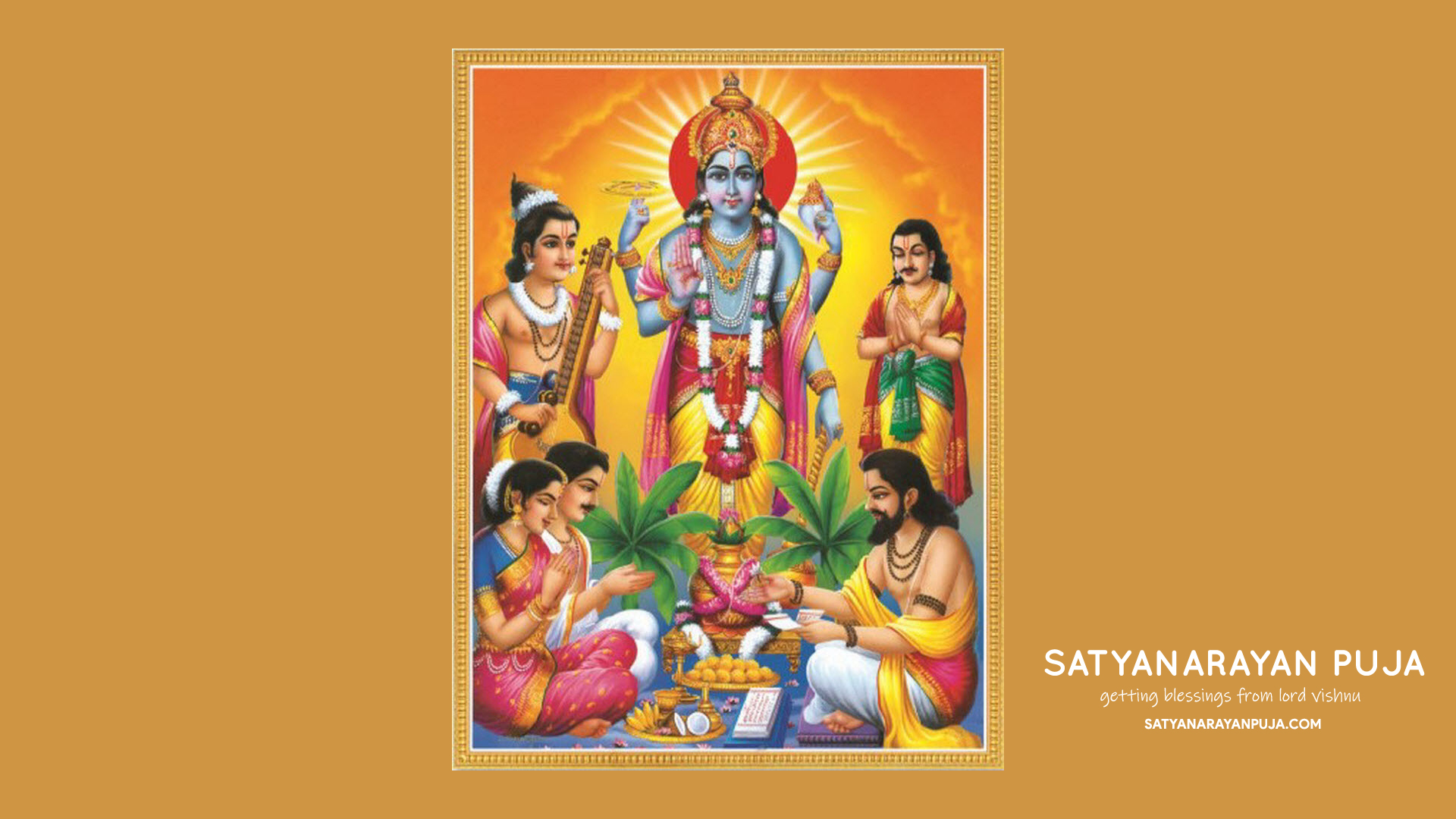
Wallpaper 7वॉलपेपर 7
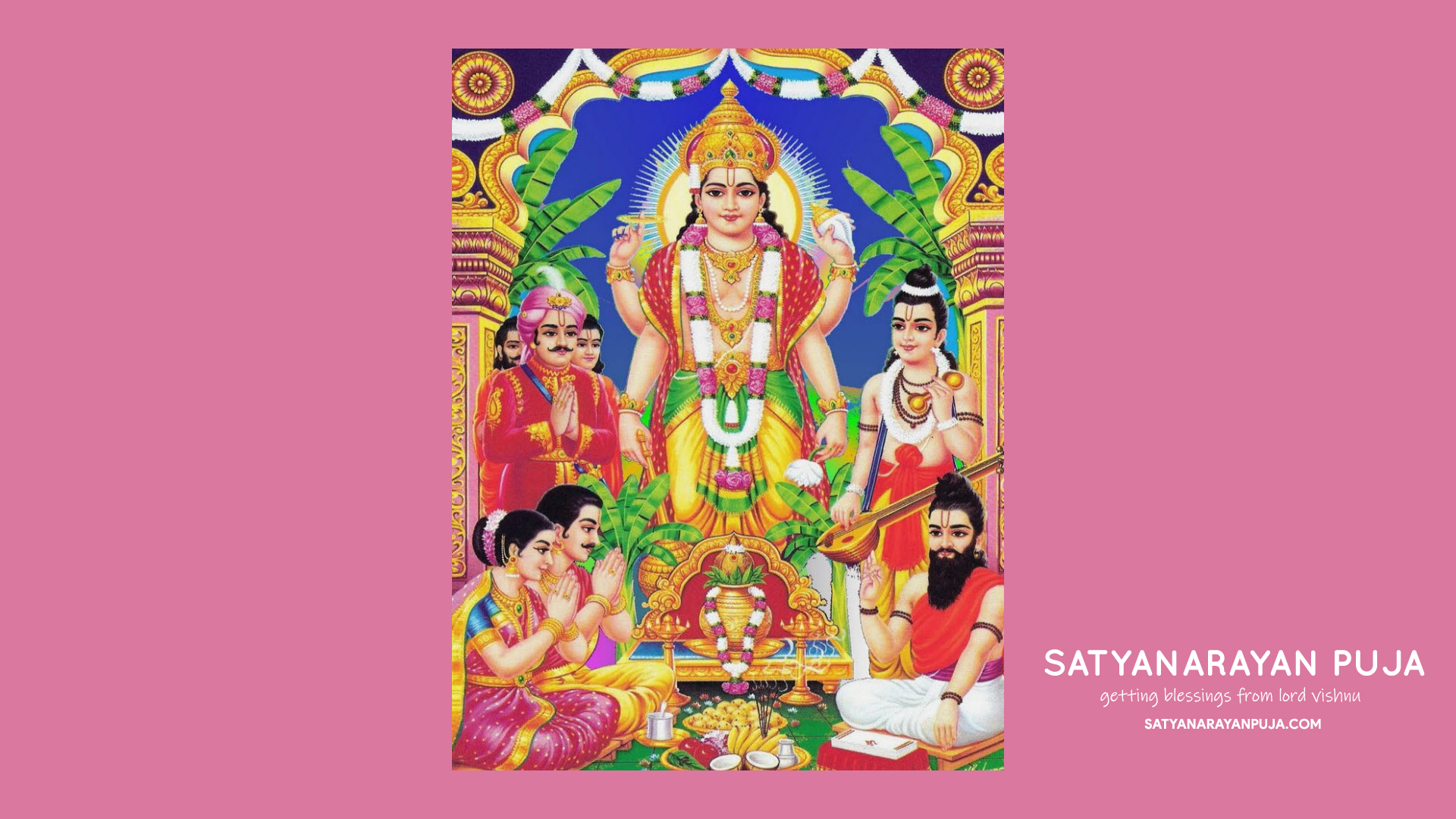
Wallpaper 8वॉलपेपर 8
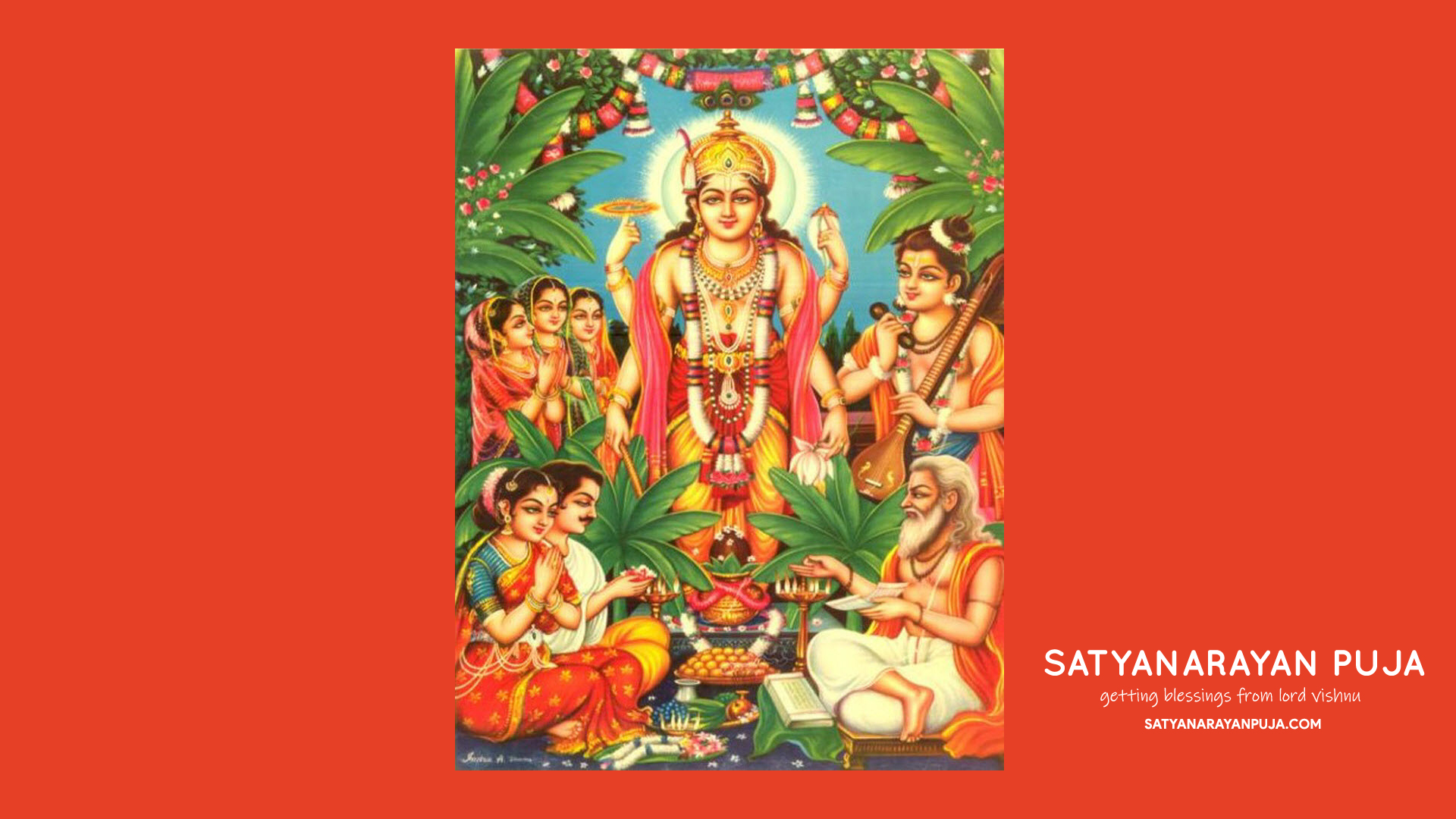
Wallpaper 9वॉलपेपर 9
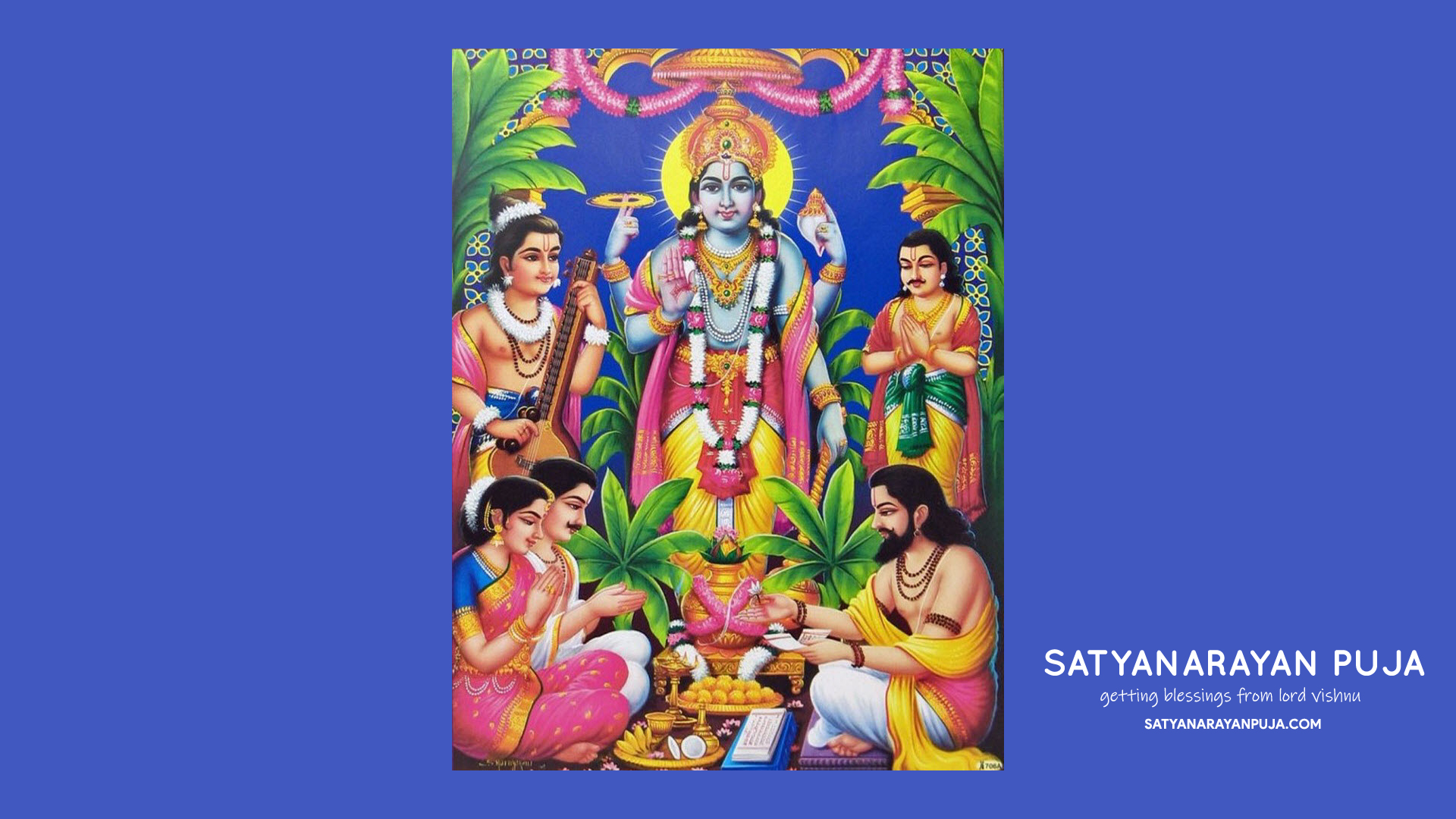
Wallpaper 10वॉलपेपर 10
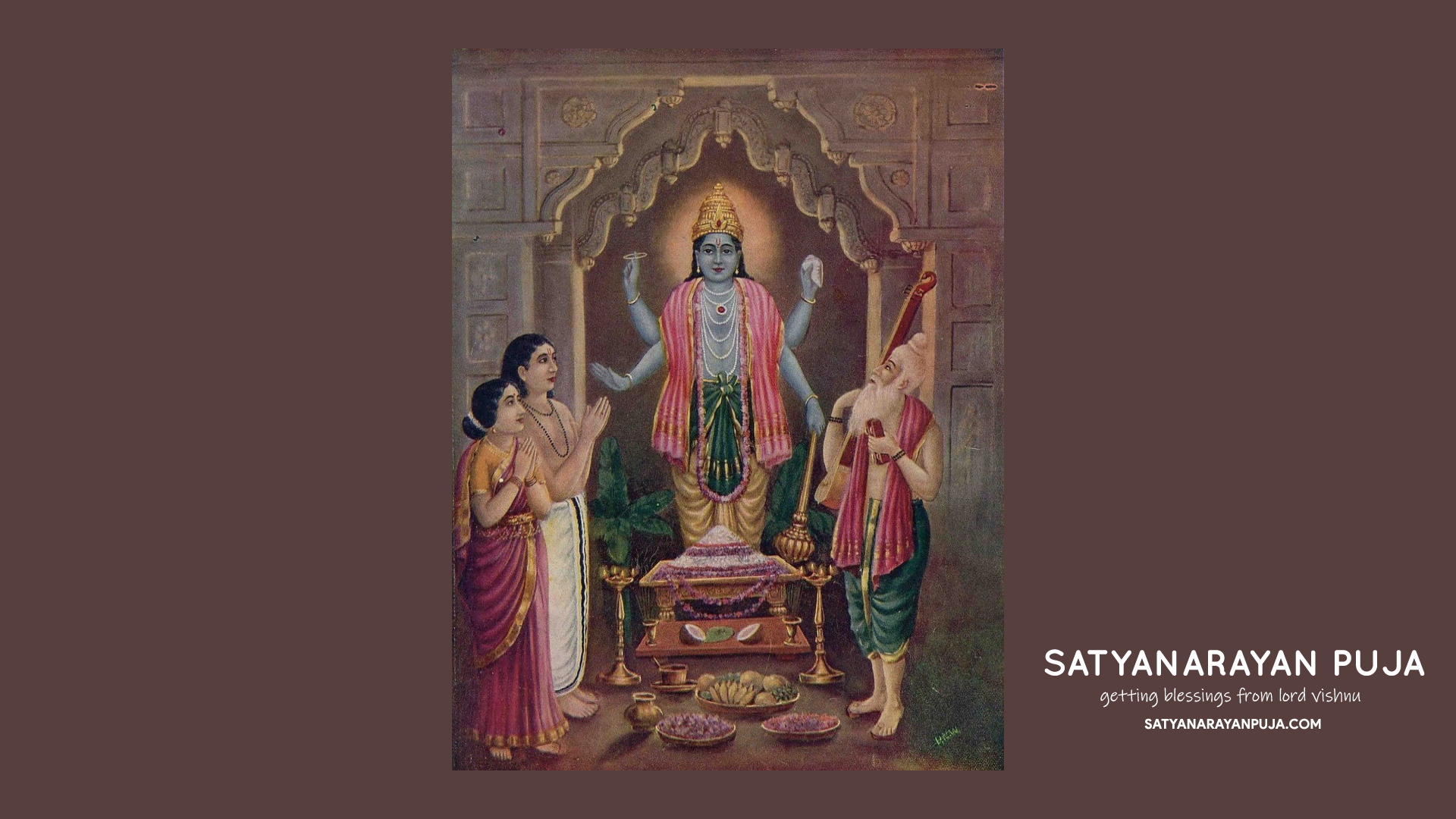
Wallpaper 11वॉलपेपर 11
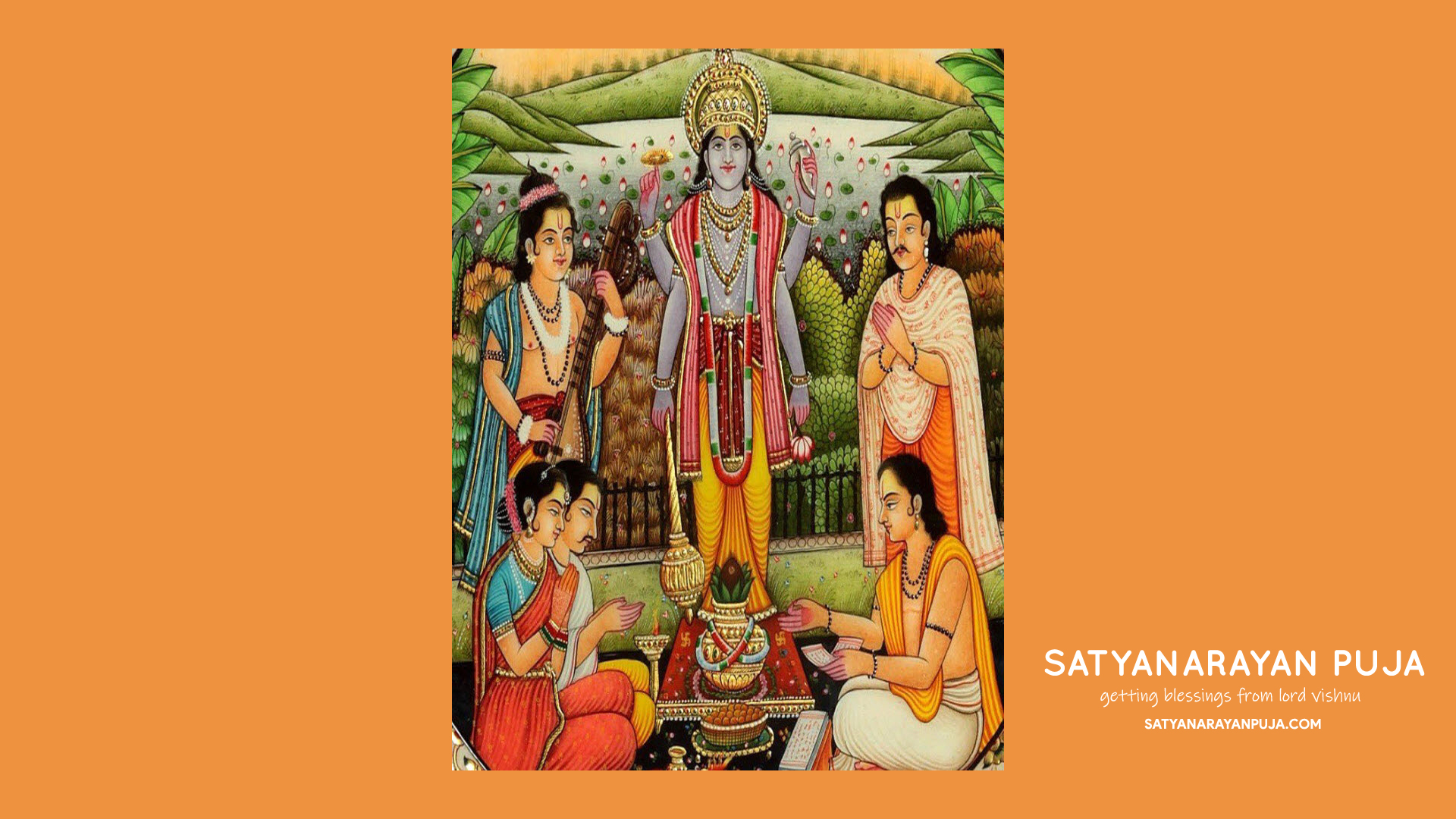
You can also share Satyanarayan Puja posters, Satyanarayan Puja greetings and Satyanarayan Puja invitation cards with your family and friends.
आप अपने परिवार और मित्रों के साथ सत्यनारायण पूजा पोस्टर, सत्यनारायण पूजा शुभकामना चित्र और सत्यनारायण पूजा निमंत्रण कार्ड भी साझा कर सकते हैं।